Short answer: the right jewelry repair shop software gives every repair a single tracked record — from intake and estimate through the bench and any outside vendor to pickup — so nothing gets lost, clients get confident updates, and your margins stay intact. The best fit for most shops is a purpose-built jewelry platform rather than a generic point-of-sale or repair-ticket tool, because jewelry repairs carry details, valuables, and outside-vendor steps that general software wasn't designed to handle.
Repairs are the quiet backbone of many jewelry businesses — steady, high-trust, relationship-building work. But they're also uniquely easy to mishandle: small items, high value, dozens open at once, and a lot of them passing through outside hands. This guide walks through what jewelry repair shop software should actually do and how to choose a system you won't outgrow.
What makes repair software different from generic POS
Plenty of software can take a payment or print a ticket. Repair work needs more, because a repair isn't a transaction — it's a custody relationship with a promise attached. Good repair software has to answer, at any moment:
- Whose item is this, and what exactly was brought in?
- What work was authorized, and at what price?
- Where is it right now — the bench, an outside setter, QC, ready?
- When did we promise it back, and are we on track?
- What's the item worth, and can we prove we have it?
Generic POS answers the payment question and stops. Purpose-built jewelry software answers all of them, which is the difference between a repair operation that runs on trust and one that runs on hope.
Must-have features
Intake and estimate capture. The record starts at the counter: a full description of the item, photos, the authorized work, and the estimate. If the intake is thin, every later step inherits the ambiguity.
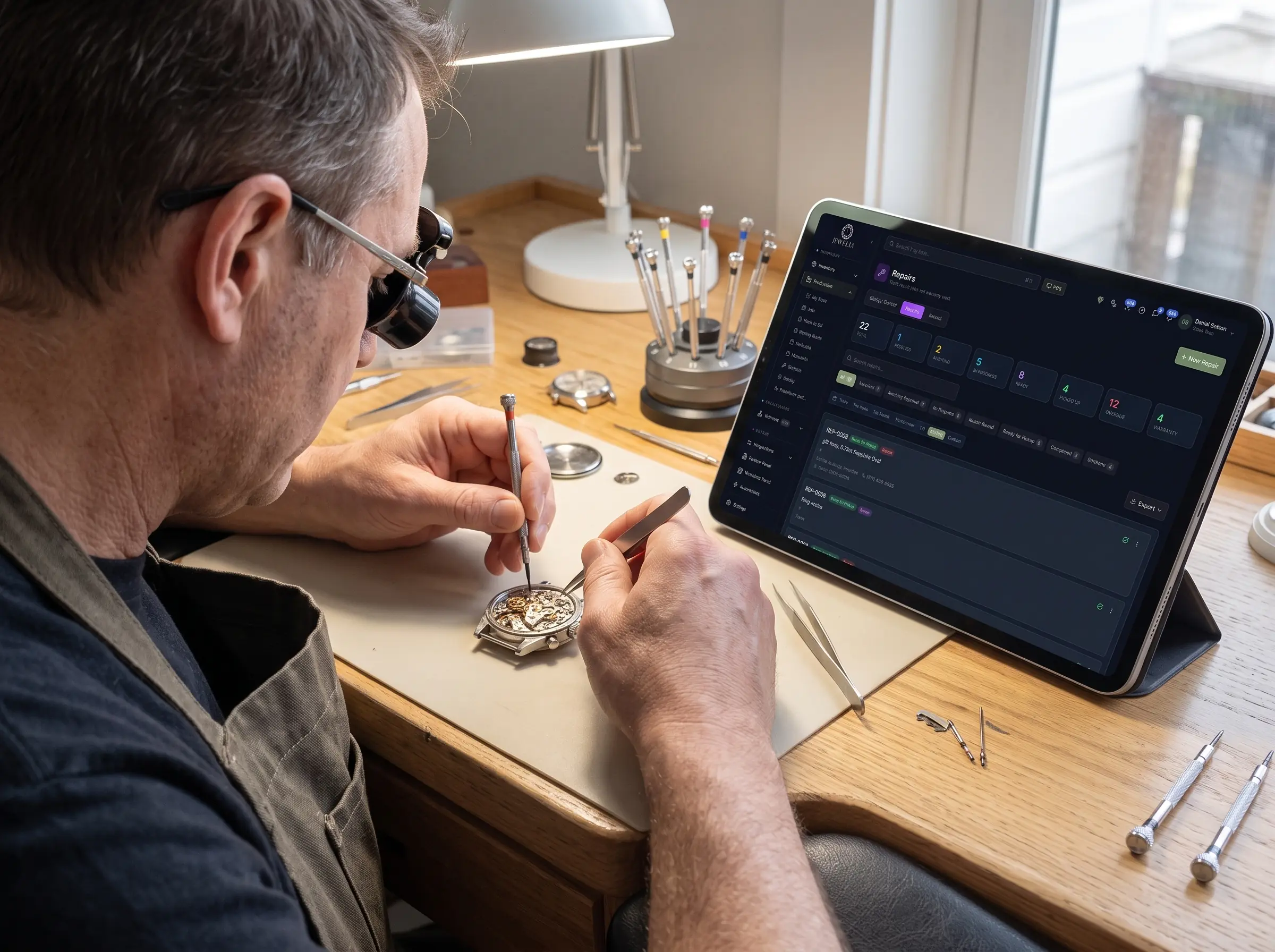
Repair status tracking. Every repair should show its current stage at a glance — received, in progress, sent out, back, QC, ready. This is the single feature that eliminates dropped repairs and "let me go check" moments.
Custody and valuation. Because you're holding someone else's valuables, the software should carry each item's description and value, so you always know what's in your care and what it's worth.
Outside-vendor tracking. Many repairs — sizing with a rare metal, complex setting, engraving, restoration — go to outside specialists. The software should track those send-outs with promised return dates, so an off-site repair never goes silent.
Client history. Every repair should attach to the client's full record, so you can give proactive updates and recognize a returning customer instantly.
Honest pricing. Repairs that involve metal — sizing, shanks, rebuilds — should price against live metals values so a rise in gold doesn't quietly turn a repair into a loss.
What to look for when comparing options
Not all "repair software" is built for jewelry. As you evaluate, weigh these:
| Consideration | Weak fit | Strong fit for jewelry |
|---|---|---|
| Built for | Generic retail or repair tickets | Purpose-built for jewelry |
| Repair tracking | Basic ticket status | Full stage-by-stage workflow |
| Outside vendors | Not handled | Tracked send-outs with return dates |
| Valuables | No custody/value tracking | Item description and live valuation |
| Client record | Contact list | Full customer history |
| Pricing | Static | Live metals pricing on repair work |
| Consolidation | One more separate tool | Same platform as sales, custom, inventory |
The consolidation line matters most. A repair tool that stands apart from your sales, custom-order, and inventory systems just adds another place data lives and another seam to fall through. The strongest choice is software where repairs share one set of records with the rest of the operation.
Signs you've outgrown your current setup
You're likely ready for real repair software if any of these sound familiar:
- Repairs are tracked on paper tags, a spreadsheet, or memory.
- Someone has to physically go look to answer "is it ready?"
- A repair has been lost, delayed, or forgotten in the last few months.
- Off-site repairs occasionally go silent and resurface late.
- The same customer and item get re-entered across multiple tools.
None of these mean anything is wrong with your team — they mean the system has hit its ceiling.
Where Jewelia fits
If the challenge is keeping every repair moving on time with nothing lost, that is what Jewelia's repair workflow is built for.
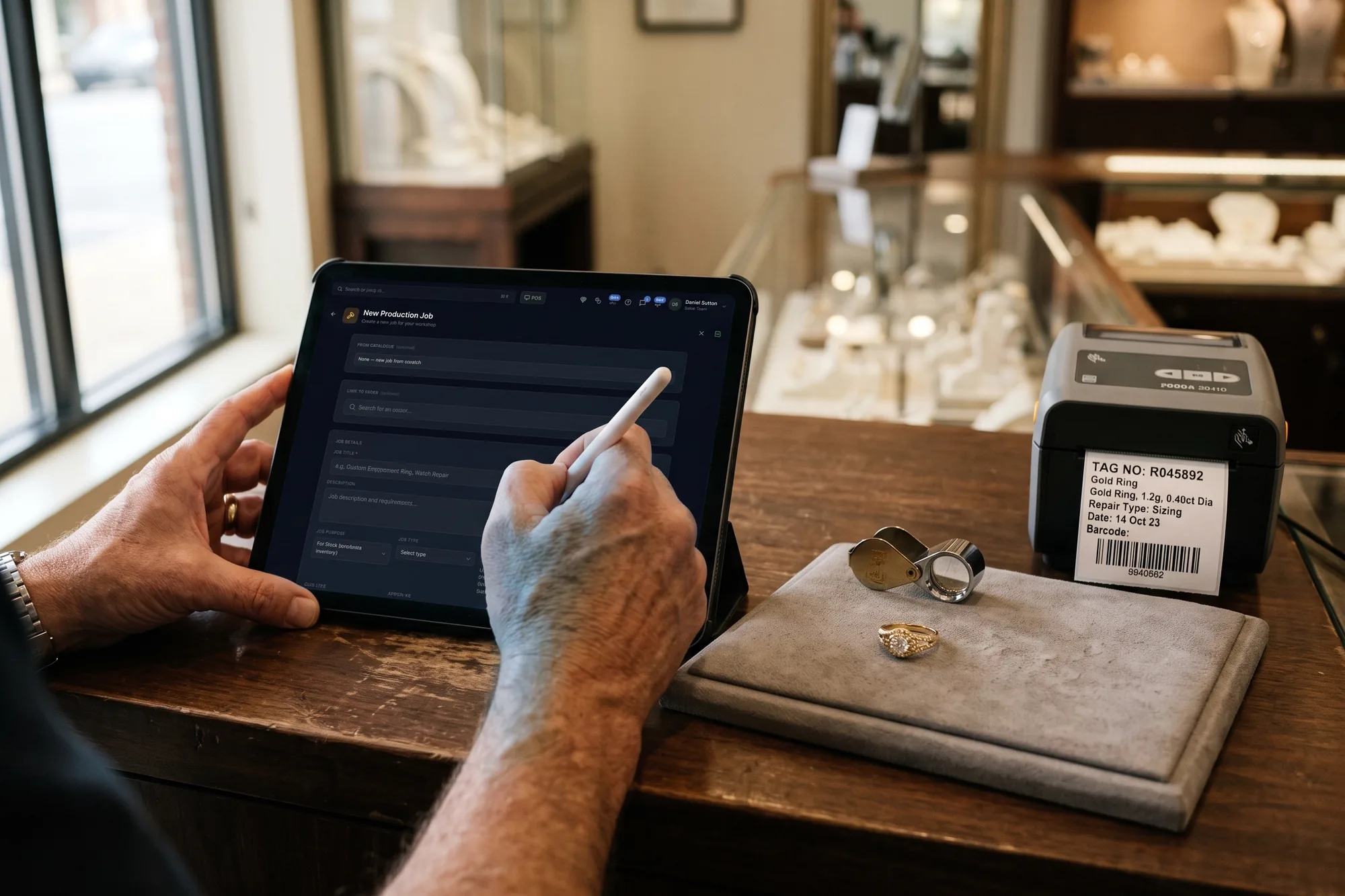
Every repair gets one tracked record: the item and the fault, before and after photos attached to the job, a barcoded tag printed at intake, the estimate and any deposit, the stages you define, and outwork to an outside setter or plater with its own due date. Mark the piece ready and the invoice raises itself with the materials and charges added during the job already on it. Clients are notified automatically when a job changes to the stages you choose, which removes most of the status calls a bench fields in a week. And repairs are not a separate ticket system — they share records with inventory, the CRM and the Planner. There is a page for this: Jewelia for repair and service businesses, from $179/month for a one-person bench.
Bottom line
The right jewelry repair shop software turns repairs from a source of lost items and anxious calls into a smooth, trust-building line of business. Look for full stage tracking, custody and valuation, outside-vendor visibility, client history, and honest pricing — and favor a purpose-built jewelry platform that shares records with the rest of your operation over a generic tool that stands alone.
See how one platform keeps every repair on track. Book a Jewelia demo →
Frequently asked questions
- What should jewelry repair shop software do that generic POS can't?
- It should track each repair's full lifecycle — intake, estimate, bench stages, outside-vendor send-outs, QC, and pickup — while carrying the item's description, value, and client history. Generic POS handles the payment but not the custody, tracking, and coordination a repair needs.
- How does repair software handle work sent to outside specialists?
- Good software treats each send-out as a tracked step with a promised return date, so an off-site repair never goes silent. You always know what left, where it went, and when it's due back.
- Do I need repair software separate from my sales system?
- Ideally not. A separate repair tool just adds another place your data lives. The strongest setup keeps repairs on the same purpose-built platform as sales, custom orders, and inventory, so everything shares one set of records — which is how Jewelia is built.
Stop reading, start clicking.
Open a live Jewelia company with real inventory, memo, jobs and reports already in it. One work email, no card, no sales call, nothing to install.