
Every job on one board, none of them in a drawer.
A sizing, a custom engagement ring and a 200-piece run move through the same stages — assigned to a bench, with photos, CAD files, materials and a due date attached. Jewelry production software and repair tracking in one module.



What is Jewelia Production?
The workshop stops being a black box
Most jewelry businesses can tell you what a job sold for. Very few can tell you what it cost in bench hours, which stage it waited in, who touched it, or whether it came back. The work happens; the record of it does not.
4.5 bench hours
Recorded per stage as the work happens, not estimated afterwards.
Three days at setting
Where a job waited, not just how long it took in total.
Two benches, one outworker
Who held it at every step, including when it left the building.
Came back once
Rework logged against the job and the bench that did it.
"Where is job 214?"
What it costs youThe answer is a walk around the benches while the customer waits on the phone.
How Jewelia solves itEvery job on a kanban board through the stages you configure, with a status the whole shop can see.See how
A sizing and a 200-piece run on different systems
What it costs youThe custom work lives on one board and the production run on another, and the same bench does both.
How Jewelia solves itCustom work, repairs and manufacturing runs are all jobs on the same board, so nothing sits in a drawer untracked.See how
What did it actually cost?
What it costs youMetal at spot, stones that are not substitutable, bench hours nobody wrote down. The price was a feeling.
How Jewelia solves itA bill of materials drawing from stock as a run consumes it, with time recorded per stage per jeweler.See how
Outwork is a void
What it costs youPieces leave for the caster or the setter and nobody tracks the return until it is late.
How Jewelia solves itOutwork as a stage with the outside jeweler, the due date and the return, on the same job.See how
The promise date was a guess
What it costs youCapacity is promised on instinct and both jobs slip.
How Jewelia solves itA production calendar and stage timings, so you see capacity before you promise — and Jewelia AI tells you when Friday is not realistic.See how
One board, every job
A sizing, a custom engagement ring and a 200-piece run sit on the same kanban board, so nothing lives in a drawer, an envelope or somebody's memory.
Assigned to a bench
Every stage has a person and a due date, with time recorded per stage — which is how you find out where work actually queues rather than where you assume it does.
The job carries its own file
Specs, reference photos, CAD files, materials and a bill of materials travel with the job, so the bench is not working from a phone call and a paper bag.
The customer hears from you first
Automatic notifications at the stages you choose, and an invoice raised the moment a piece is marked ready — so nothing leaves the shop unbilled.
At the bench
The board is where the work is, not in the office.
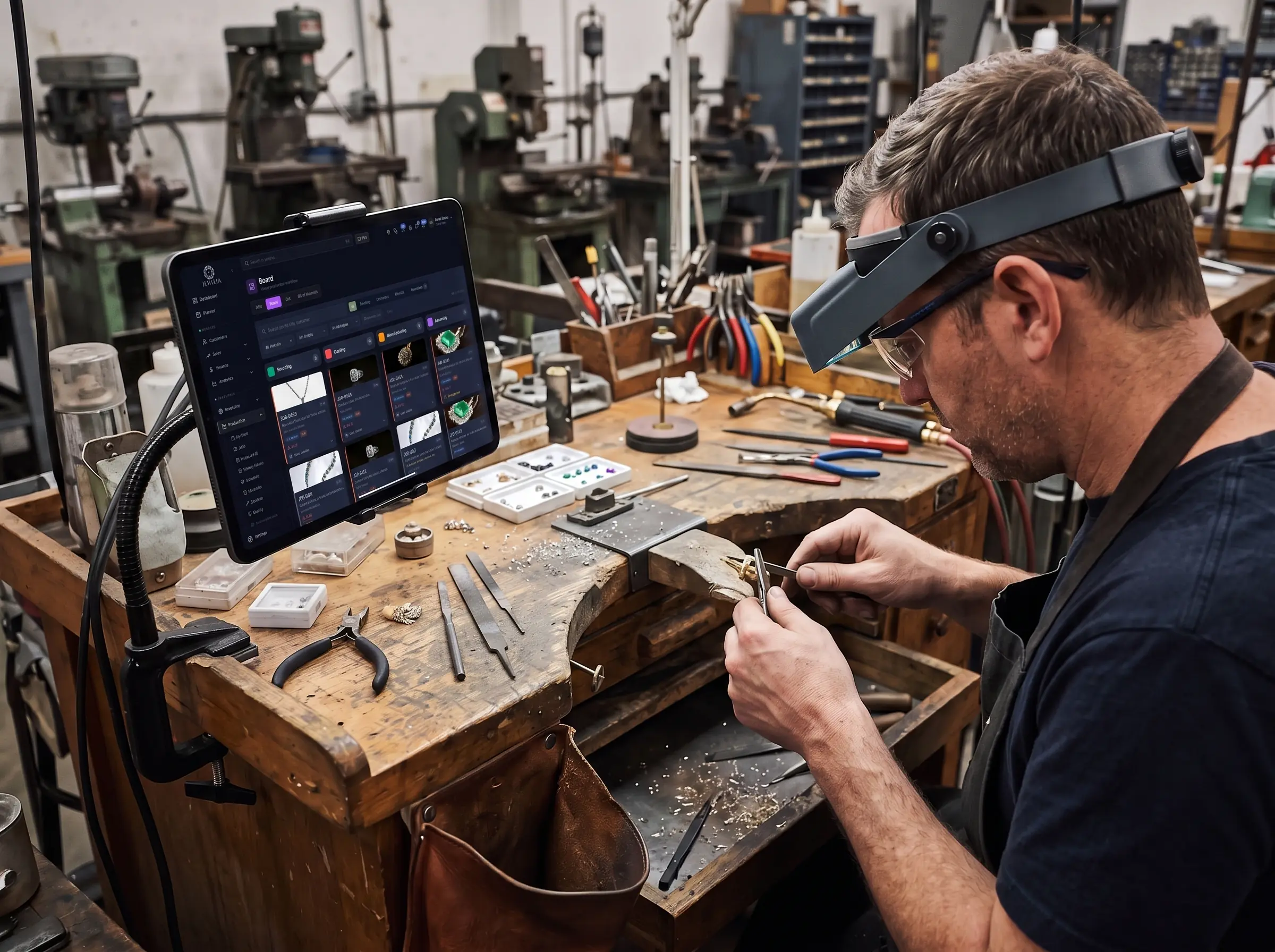
A bench jeweler should not have to walk to a desk to find out what is next, or shout through a doorway to ask whether the stone arrived. Because Jewelia runs in a browser, the job board sits on a tablet clamped to the bench — with the photos, the specs and the due date on the same screen as the work.
- My Work — one jeweler's queue, in order
- Photos and CAD files on the job, not in an email
- Time recorded against the stage as it happens
The journey of a job
Six stages, all yours to rename
These are the defaults, not the rules. Shops name and order their own stages, and a job can sit in more than one at once when the work genuinely runs in parallel.

1Intake
Specs, reference images, materials and the deadline captured upfront, with a barcoded repair tag printed at the counter. The promise is recorded at the moment it is made, not reconstructed on Friday.

2Design & CAD
Attach CAD files and renderings and get approval before anything is cast — the single cheapest place to catch a misunderstanding about a custom piece.
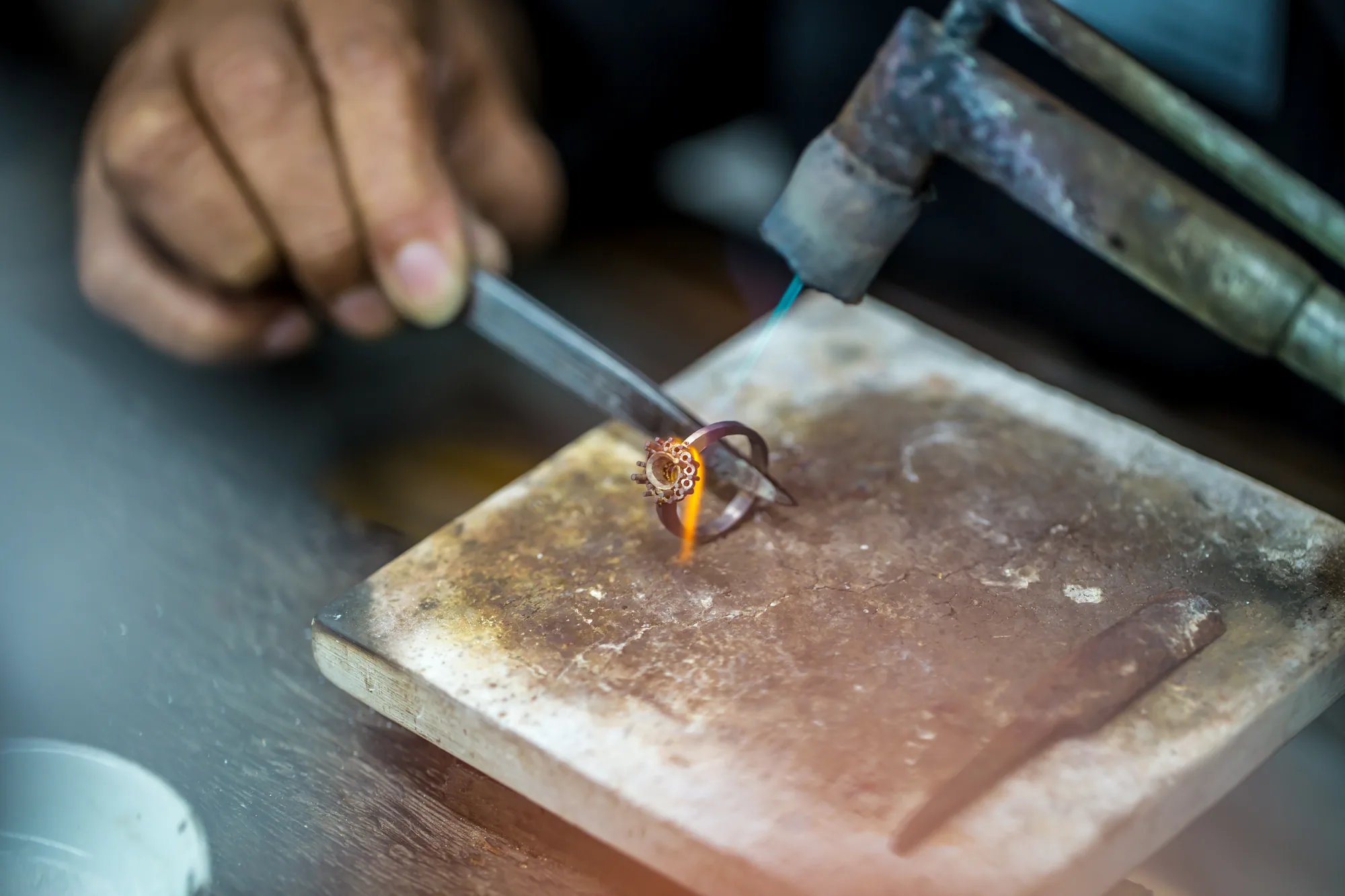
3Casting & assembly
Assigned to a bench and tracked stage by stage with time per stage, whether the work happens in your workshop or at an outside caster.
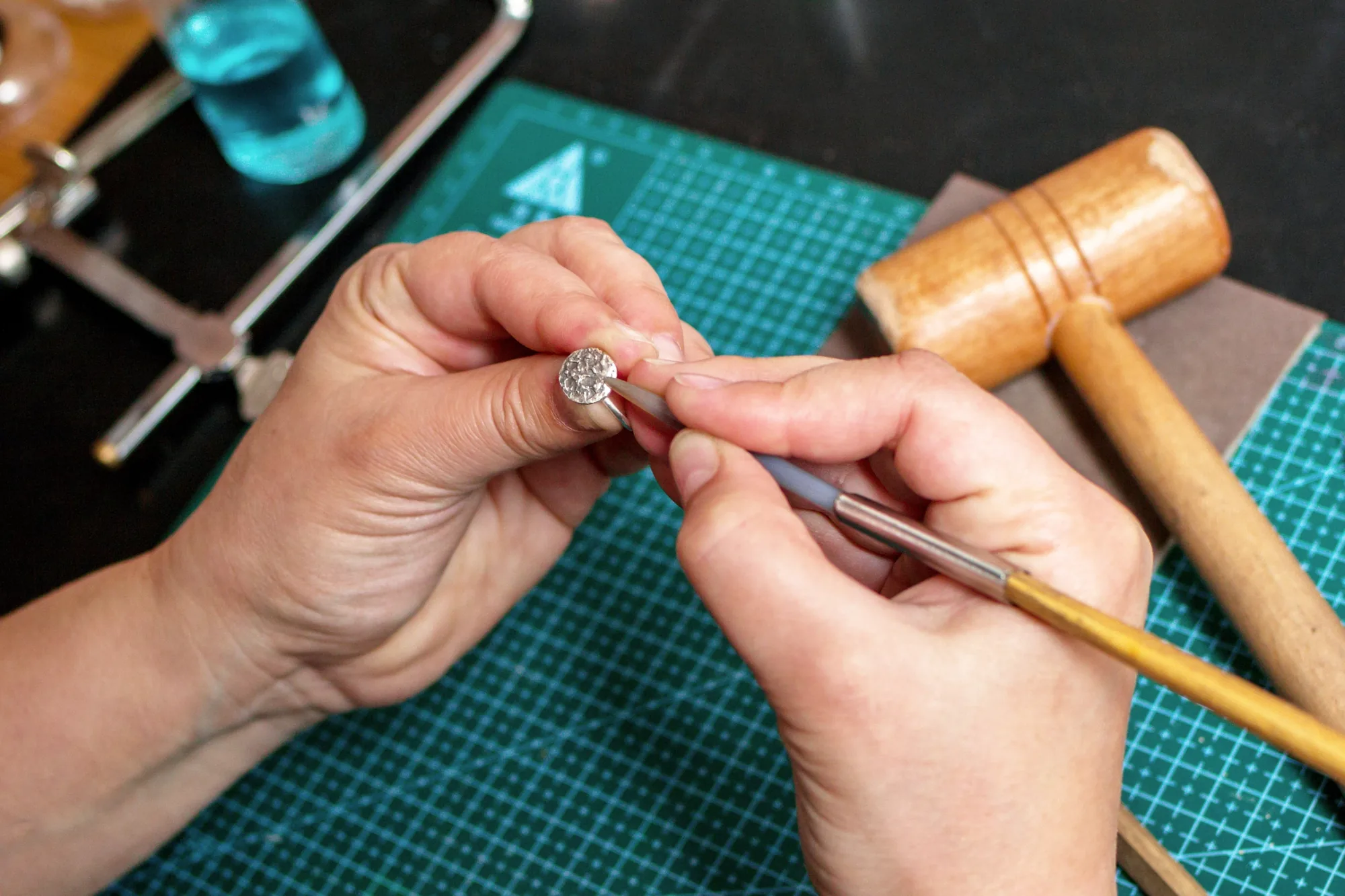
4Setting & finishing
Stone setting, polishing and rhodium as separate tracked steps, so each specialist's work is visible rather than buried inside one long “in progress”.
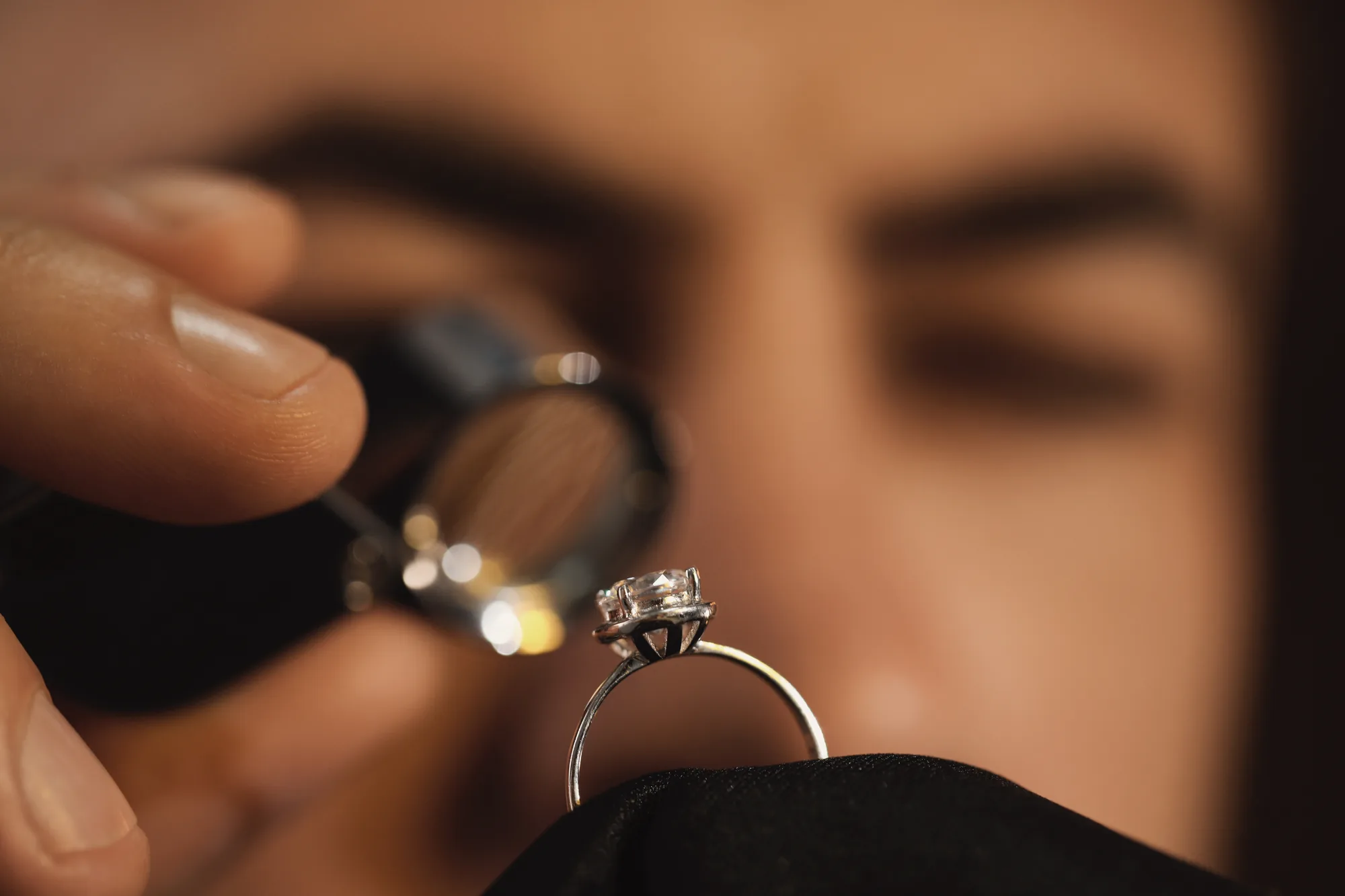
5Quality control
QC checklists with issue documentation and rework tracking — the data that separates a fast bench from a good one, and the reason a piece does not go back out wrong twice.

6Delivery
Pickup scheduling or multi-carrier shipping labels, with the customer notified automatically and the invoice raised as the piece is marked ready.
Jewelry repair tracking
The envelope in the drawer is the problem
For most retail jewelers repairs are the bigger half of the workshop and the smaller half of the system. A paper envelope is how repairs get lost, under-charged, and remembered only when the customer calls to ask.
Take it in properly
Item, repair type, dates and the quote captured at intake, with a barcoded tag printed on the spot. The envelope stops being the system of record.
Photograph the before
Photos at intake and along the way, so a dispute about a scratch that was already there has an answer rather than two recollections.
Charge what it cost
Materials and charges added as the work happens, so the final price reflects the job rather than the estimate someone gave at the counter.
Send it out and keep it visible
Assign a repair to an outside bench and track it as out of the building — still on your board, still with a due date, still your promise.
Bill it without being asked
Mark the piece ready and the invoice is raised automatically, which is how a repair shop stops leaking small amounts of money constantly.
Tell the customer
Automatic notifications at the stages you choose — received, in progress, ready for pickup — so the phone stops ringing with “is it done yet”.
Run the shop, not the spreadsheet
Jewelry workshop management is the layer above the bench: capacity, costing, outwork, billing and the equipment it all runs on.
Kanban job board
Every job's status at a glance, filtered by status, priority, metal, assignee or overdue-only. Drag to move or reassign.
Production calendar
Schedule by bench and due date, so you can see capacity before you promise a date rather than after you miss one.
Work to Bill
A queue of finished work waiting to be invoiced. Nothing leaves the shop unbilled because nobody remembered.
Weekly Hours
Time recorded against jobs and stages, aggregated by week — the basis for costing a repair from evidence instead of habit.
Materials & bill of materials
Metal, findings and stones consumed per job, drawn against a BOM, so job costing is a number rather than an impression.
Out & outwork
Stages sent to outside casters, setters or repairers, tracked like any other step so a job is never simply “away”.
Quality
Checklists, documented issues and rework, per job and per bench — the record you look at when a month went wrong.
Equipment records
Benches, lasers and casting machines with maintenance history and booking, so downtime is planned rather than discovered.
Three kinds of workshop
The same board, switched on differently
Retail jewelers
Repairs and sizings taken in at the counter, custom pieces for named customers, and everything tied to the client record so the salesperson can answer without walking out the back.
Manufacturers & workshops
Batch runs and multi-stage production with a bill of materials, bench assignment, capacity scheduling and outwork — the operational core of jewelry manufacturing software.
Trade workshops
The Workshop Portal lets trade customers submit and track their own jobs and repairs in your shop, seeing only their own work, with pricing visibility you control.
One database
The workshop is not a separate system
A job consumes stock, belongs to a customer, generates tasks and produces an invoice. Running it beside your other software means reconciling four versions of the same piece of work.
Inventory
A bill of materials draws metal, findings and stones out of stock as the job consumes them.
Sales & CRM
Every job hangs off the customer, so service history and sales history are one story.
Planner
Stages become assigned tasks with due dates, in the same list the bench opens each morning.
Analytics
Stage timings, throughput and rework become reporting rather than a feeling about how the month went.
Point of Sale
A repair taken in at the counter and the sale that follows it are the same conversation at the same screen.
Memo & Ledger
Stones that came in on memo can be consumed by a job without being double-counted as your own.
How many jobs
From one bench to a production floor
The limit is on jobs open at one time. A single jeweler and a factory running hundreds of pieces are on the same application, not different products.
Jewelry production & repair software: questions
What is jewelry production software?
Jewelry production software manages custom work, repairs and manufacturing runs as jobs that move through defined stages — intake, design and CAD, casting and assembly, setting and finishing, quality control, and delivery. Each job carries its own specifications, reference images, CAD files, materials and bill of materials, is assigned to a bench with time recorded per stage, and is visible on a kanban board and a production calendar. The point is that a sizing and a 200-piece run live on the same board, so nothing sits in a drawer untracked.
Does it handle repairs as well as custom manufacturing?
Yes, and for most retail jewelers repairs are the bigger half. Repairs, custom pieces and batch manufacturing runs are all jobs with configurable stages, so a sizing and a 50-piece run live on the same board. Repair intake captures the item, repair type, dates and quote, prints a barcoded tag, and carries photos, materials and charges through to collection.
What is jewelry repair tracking software?
Jewelry repair tracking software records a repair from the moment it crosses the counter to the moment the customer collects it: what came in, what was promised, what it was quoted at, who is working on it, what has been done, what it actually cost in materials and time, and whether it is ready. The alternative — a paper envelope in a drawer — is how repairs get lost, under-charged and forgotten until the customer calls.
Can I print repair tags and envelopes?
Yes. Barcoded repair tags print from intake on every plan, so the physical item and the digital job stay connected and a bench jeweler can scan rather than read a job number off a label.
Can customers see the status of their repair?
Customers receive automatic notifications at the stages you choose — received, in progress, ready for pickup. A self-serve status portal where they log in and look for themselves is on the roadmap rather than shipped today.
Can I assign work to specific bench jewelers?
Yes. Every stage is assigned to a person with a due date, and time is recorded per stage. Aggregated over many jobs, that tells you where work queues, how throughput differs between people and job types, and which stage causes rework — usually not the one everyone blames.
Can I send work to an outside caster, setter or repairer?
Yes. Any stage can go to a vendor and is tracked like any other step, with its own Out view. A job at an outside bench is still on your board with a due date against it, rather than simply being “away” until somebody chases it.
Does it track materials and job costing?
Yes. A bill of materials records the metal, findings and stones a piece consumes, drawn against inventory, and Weekly Hours records time against jobs and stages. Between them you can cost a job on what it actually took rather than on what you have always charged.
Is this jewelry manufacturing software or jewelry repair software?
Both, in one module, because most jewelry businesses do both and separating them into two systems is how jobs get lost between them. A manufacturer uses batch runs, bills of materials, capacity scheduling and outwork; a retailer uses repair intake, tags, quotes and customer notifications. They are the same job record with different stages switched on.
Can I customise the stages?
Yes. The six default stages — intake, design and CAD, casting and assembly, setting and finishing, quality control, delivery — are a starting point, not a constraint. Shops name and order their own, and a job can sit in more than one stage at once when the work genuinely runs in parallel.
Do trade customers get their own access?
Yes, through the Workshop Portal. Trade customers submit and track their own jobs and repairs in your shop, seeing only their own work, with pricing visibility you control — which removes most of the email traffic a trade workshop runs on.
How many jobs can I run?
Starter includes 25 active jobs, Professional 250, Enterprise 2,500, and Enterprise Plus is unlimited. The limit is on jobs open at one time rather than on how many you complete in a year.
Put your own jobs on the board.
30-day money-back guarantee. Cancel any month, no setup fees.