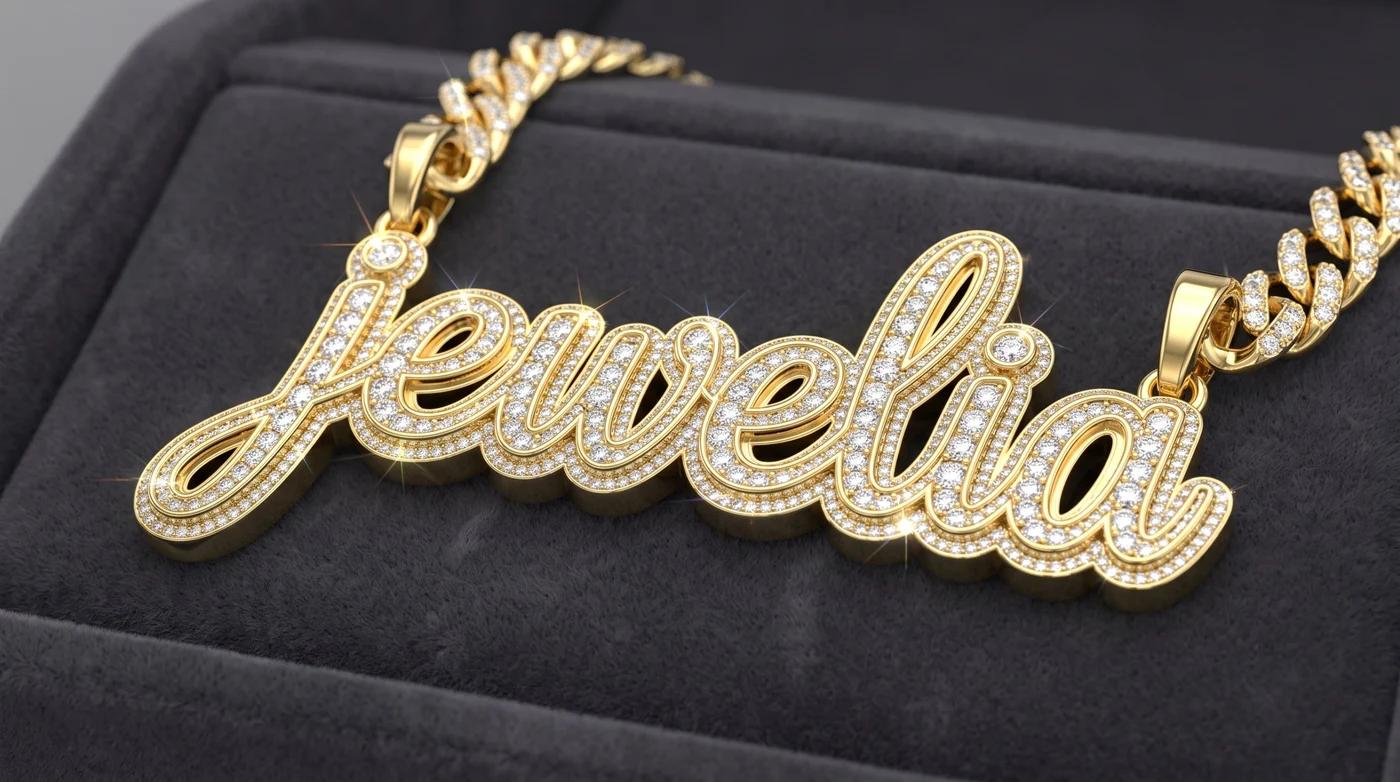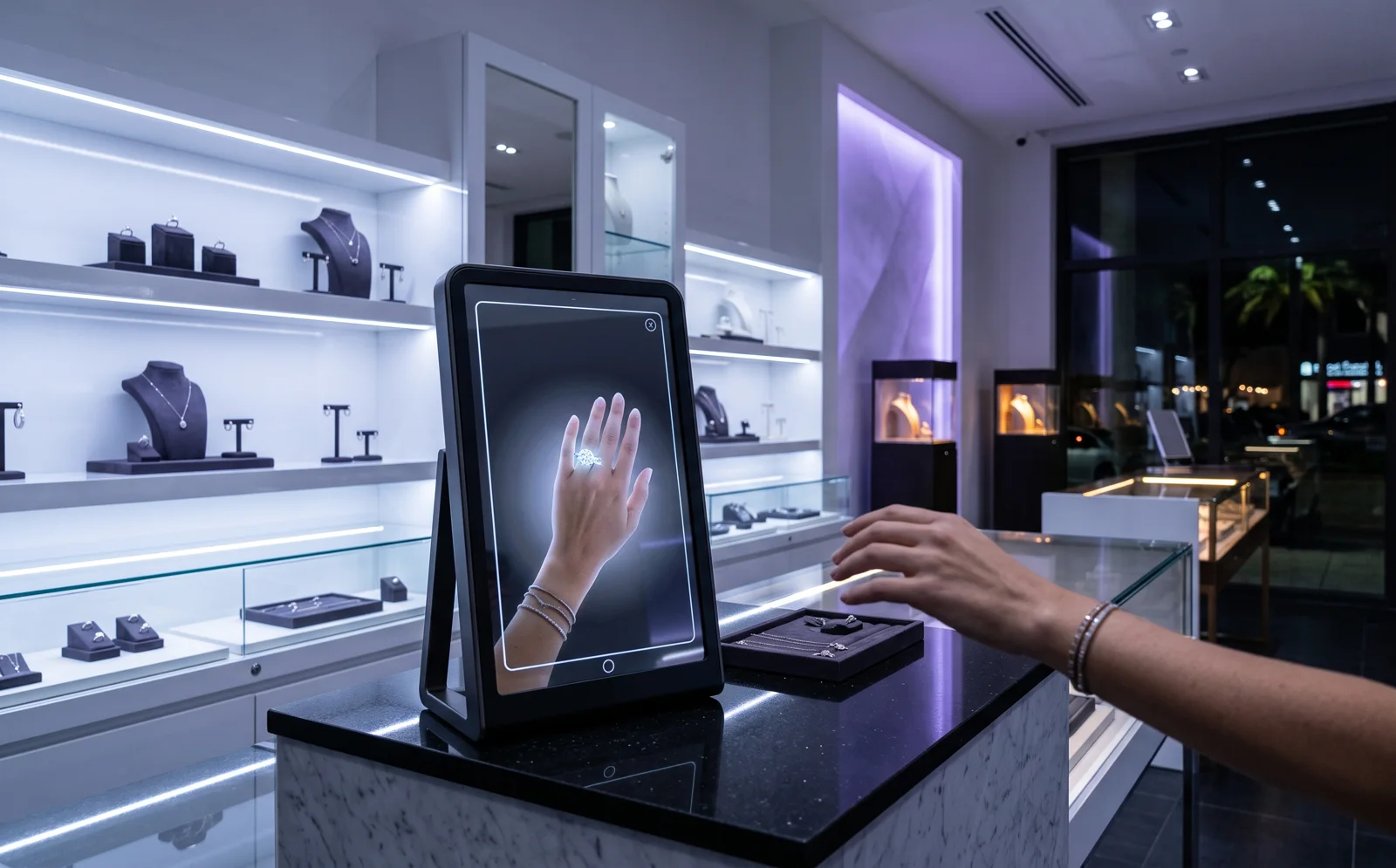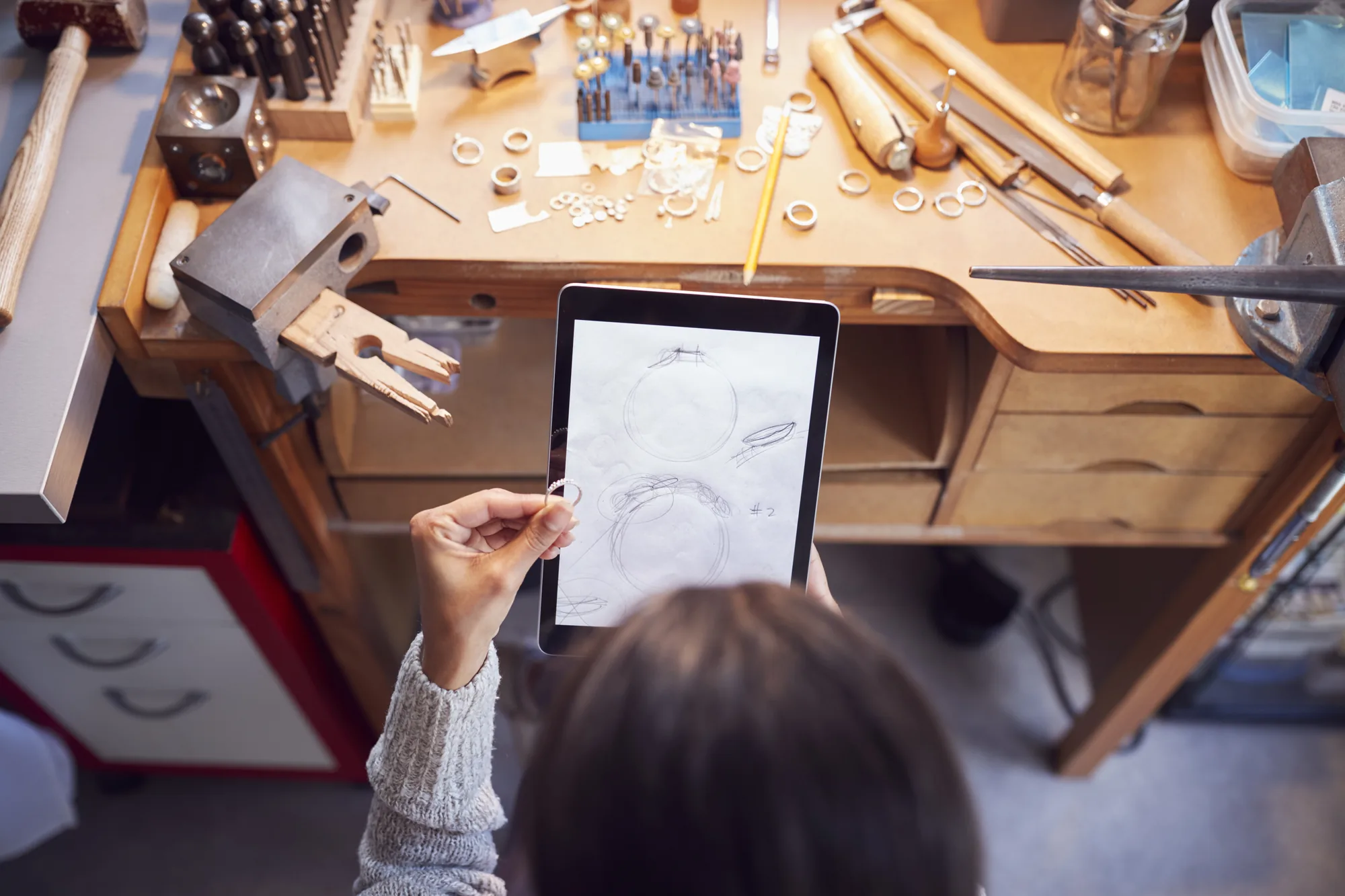
A customer walks in holding their phone. On it is a screenshot of a ring they found somewhere — the wrong stone, a setting you don't make, a price that was never real. For years that's how custom work started. AI jewelry design software is changing the first step: the customer now designs the piece with you, on your own website, and sees a photoreal render before they ever walk in.
That's genuinely useful. But a render on its own doesn't make anyone money. This guide covers how AI jewelry design works, what it can and can't do, and the questions that separate a nice-looking widget from a tool that actually turns designs into finished, paid-for pieces.
How AI jewelry design works
Most AI custom jewelry design tools follow the same flow:
- The shopper picks a piece — engagement ring, fashion ring, pendant, chain, earrings, bracelet, and in some tools grillz.
- They choose the details — stone and shape, natural or lab-grown, setting, metal and karat, and often a budget.
- They describe it or show it — an optional sentence ("slim hidden halo, east-west oval") or a reference photo.
- AI renders it — a photoreal image built from those choices, usually in seconds.
- The jeweler receives the design — the render, the spec and the shopper's contact details.
The better tools add a sixth step that matters more than the picture: an estimate from the jeweler's own price book, and a way to take a deposit on the design while the customer is still excited about it.
What AI design can't do (yet)
Be clear-eyed about this before you buy. An AI render is an image, not a model. It can show proportions and style convincingly, but it isn't a manufacturable file, and stone sizes, prong counts and band widths still need a jeweler's eye. Your CAD designer still builds the STL. What AI removes is the slow, unpaid part before that: the sketches, the "can you make it more like this?" emails, and the customers who disappear before you've quoted.
So the question isn't "is the render good enough to cast from?" It's "does the render get me a qualified customer, a clear spec and a deposit faster?"
Seven questions to ask before you choose
1. Can I control what shoppers are allowed to design? If you don't set platinum or emerald cuts, shoppers shouldn't be able to pick them. Look for per-category, per-metal and per-stone switches, and the ability to rename and reorder categories with your own photos.
2. Is the estimate built from my prices? A generic estimate sets expectations you then have to walk back. The estimate should come from your price book, and the tool should tell you how it compares with the shopper's budget.
3. Can the customer leave a deposit on the design? A deposit is the moment a design becomes an order. It should be tied to that exact design, not a generic payment link.
4. Is follow-up about the piece, or just a sequence? "Hi, still interested?" emails get ignored. Messages that reference the design — the first reply, a deposit nudge, an appointment reminder, a review ask once it's delivered — get answered.
5. What happens at CAD? Ask how the brief reaches your CAD designer and where the STL, stills and video end up. If the answer is "you email it," expect files to get lost.
6. Where does the customer live after the render? This is the question most buyers skip. Many AI design tools are standalone: they hold the lead in their own dashboard and sync it to a separate CRM through an integration. That works, but every handoff is a place for details to drop — the spec, the deposit, the conversation. Ask whether the design, the deposit, the CAD files, the production job and the invoice end up on the same customer record.
7. Does it cover the pieces you actually sell? If you do grillz, remounts or recuts, check that there's a real flow for them — not just a text box.
The render is step one
The jewelers who get the most from AI design treat the render as the start of the order, not the end of the marketing. The full loop looks like this:
AI render → quote → deposit → CAD → production → pickup or delivery
Every arrow is a handoff. The fewer systems those handoffs cross, the fewer details get retyped, and the fewer customers fall through the gaps between "they loved the render" and "they collected the ring."
AI images or a 3D customizer?
There are two ways to let a customer design on your website, and it's worth knowing the difference before you choose.
- AI image tools generate a picture from a description or a reference photo. They're quick and impressive, but the image can show stones, settings or proportions you don't actually make, and the price usually comes afterwards as an estimate.
- 3D customizers build the piece on a 3D model from a fixed set of options — your pieces, your metals, your stones. The customer can only design what you can make, and the price can update as they go.
If your goal is inspiration, AI images are fun. If your goal is orders you can actually fulfil at the price shown, a 3D customizer is the safer bet.
Where Rendrid fits
We built Rendrid, Jewelia's 3D jewelry customizer, around the full loop rather than the picture. Shoppers design rings, wedding bands, earrings, grillz, bracelets, necklaces and pendants on a 3D model on your website, with engraving and personal details. Depending on how you set it up, they order at a live price or send a quote request with their budget. The order lands in Jewelia, automatically creates the customer in your CRM, moves through production — CAD, cast, set and QC with photos at each stage — and ties back to the invoice.
If you're comparing options, we've put together a sourced comparison with a standalone AI design tool, and our guide to a custom order workflow that holds covers what should happen after the order.
Frequently asked questions
- What is AI jewelry design software?
- AI jewelry design software lets a shopper or a jeweler describe a piece — the type, stones, setting, metal and style — and generates a photoreal render of it in moments. The useful versions for jewelers run white-label on the jeweler's own website and turn each design into a lead, a quote and a deposit.
- Can AI replace CAD for custom jewelry?
- No. An AI render shows what the piece will look like; it is not a manufacturable model. A CAD designer still builds the STL from the brief. Good software hands the brief to CAD and keeps the files with the design.
- Can customers design jewelry with AI on my website?
- Yes. AI design widgets embed on Shopify and most website builders. The shopper picks a piece and options, adds a description or reference photo, and gets a render; you get their contact details and the full spec.
- What should I look for in an AI custom jewelry designer?
- Control over what shoppers can design, estimates from your own price book, deposits on the design, follow-up tied to that piece, a CAD handoff, and — most of all — where the customer and the order live afterwards, so nothing is retyped between the render and the finished piece.
Stop reading, start clicking.
Open a live Jewelia company with real inventory, memo, jobs and reports already in it. One work email, no card, no sales call, nothing to install.