Most of what gets written about AI for jewelers is either breathless or dismissive. Neither helps a store owner decide what to do on Monday. This guide sticks to what AI does well for a jewelry business today, where it fits next to your CAD designer and your bench, and how to tell a useful tool from a demo.
The four jobs AI does well for jewelers
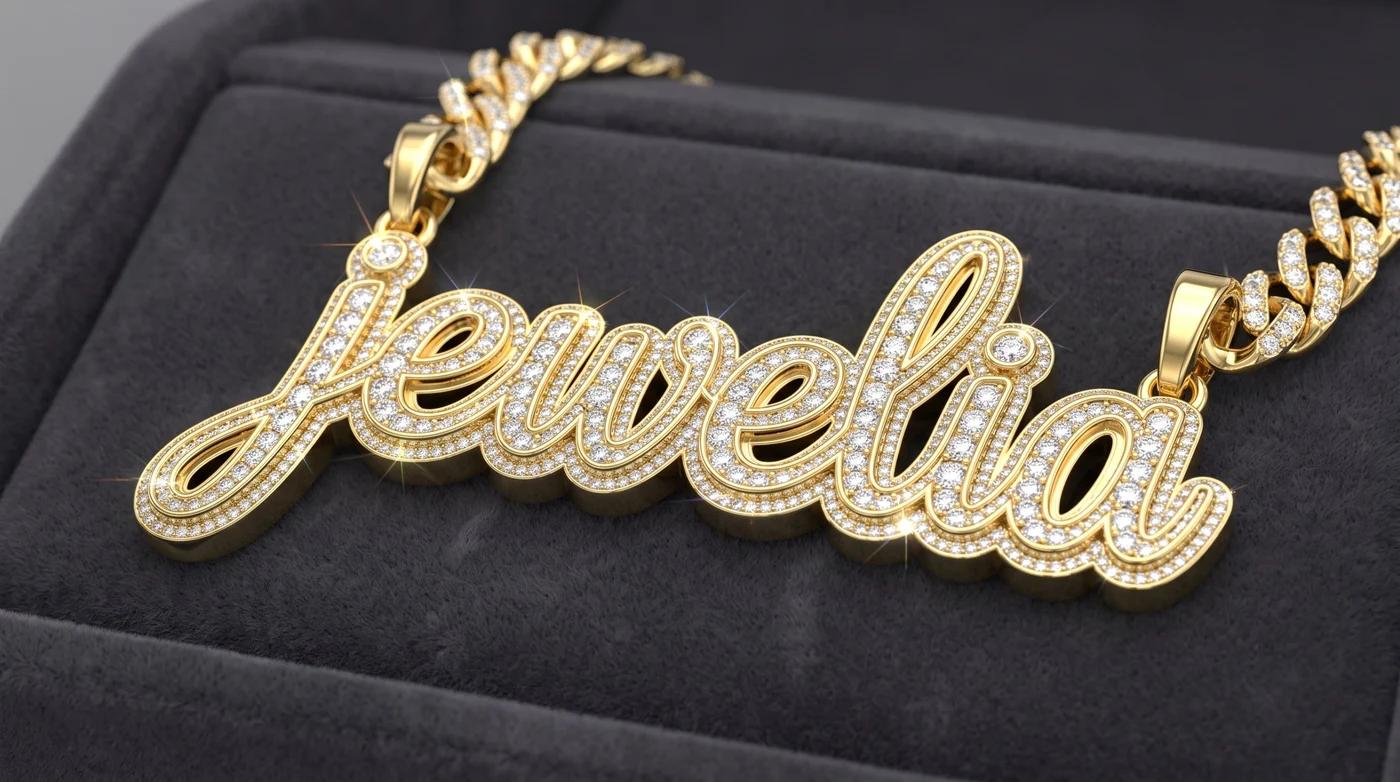
1. Turning an idea into a render. A customer describes a piece — "oval hidden halo, thin yellow band", or a big iced-out name plate — and AI produces a photoreal image of it in moments. That image is what most custom sales have been missing: something concrete to say yes to before anyone touches wax or CAD.
2. Drafting the quote and the follow-up. Once the design and budget are known, AI can help draft the estimate from your own price book and write the message that goes with it. A person still checks and sends it; the time saved is in not starting from a blank page every time.
3. Answering questions about your own business. "What's been in the case longest?", "Which memos are overdue?", "Who hasn't replied to a quote this week?" An assistant connected to your records answers in plain English instead of you building a report.
4. Reading documents. Vendor invoices, certificates and intake forms can be read from a photo and turned into records, which is where most transcription errors used to come from.
Where AI fits next to CAD
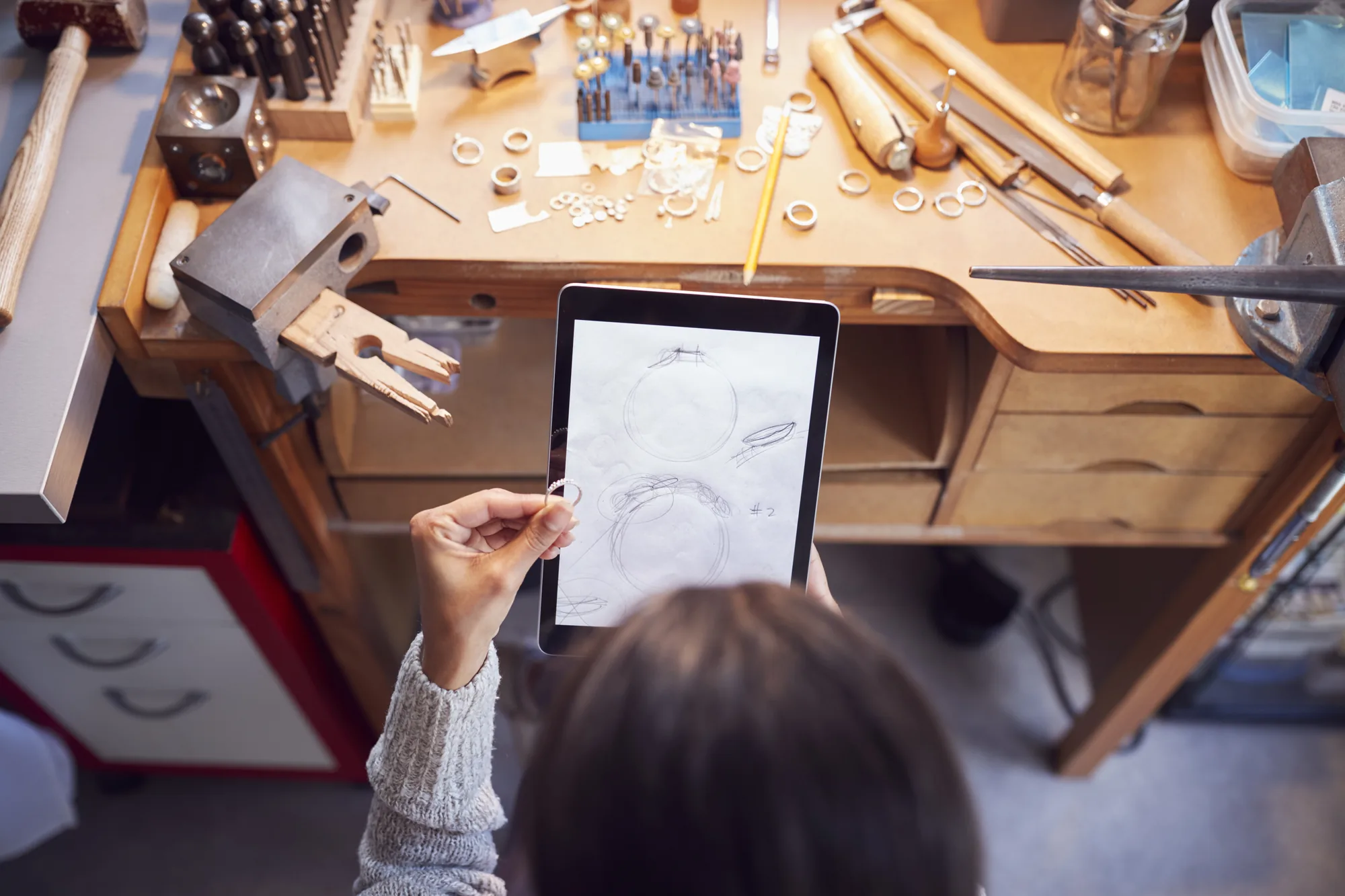
The most common question jewelers ask is whether AI replaces CAD. It doesn't. An AI render is an image: it shows proportions and style convincingly, but it is not a model you can grow or cast.
What it replaces is the expensive part before CAD — the rounds of sketches, the reference screenshots, the "can you make it look more like this?" emails, and the customers who drift away while you're still working out what they want. The right flow is:
AI render → agreed design and budget → estimate → deposit → CAD → production → delivery
The render gets the yes and the deposit. CAD and the bench make the piece.
Why custom orders die — and what AI changes
Custom sales rarely fail at the bench. They fail between the first conversation and the quote: the customer can't picture it, the jeweler can't price it without more detail, and by the time a sketch goes back, the excitement has gone. AI shortens that gap from days to minutes, and when the customer can leave a deposit on the design they just saw, you capture the sale while they're still excited.
What to look for in AI software for your store
- It uses your data and your prices. Generic answers and generic estimates set expectations you then have to walk back.
- A person approves what it does. Drafts, not autopilot — especially anything that goes to a customer.
- You control the options. Shoppers should only be able to design what you actually make.
- The output lands where you work. If the design, the deposit and the customer end up in a separate tool, someone retypes them. Every retype is a place for a detail to get lost.
- It covers what you sell. If you make grillz, name plates or remounts, check there's a real flow for them, not just a text box.
Where AI stops and the jeweler takes over
AI doesn't judge a stone, fit a grill, or know which customer needs a call instead of a text. It handles the repetitive parts so the skilled parts get more of your time. The jewelers getting the most from it treat it like a fast, tireless assistant — and keep their own judgment where it matters.
How Jewelia fits in
Jewelia AI is the AI built into Jewelia: it answers questions about your inventory, customers, memos and jobs, and takes actions with your approval.
For letting customers design on your website, we went a different way. Rendrid, Jewelia's 3D jewelry customizer, isn't AI — shoppers build the piece on a 3D model from the options you actually offer, then order at a live price or request a quote. The order lands in Jewelia, creates the customer in your CRM and runs through production to the invoice. If you make grillz, see the 3D grillz builder.
For a closer look at choosing a design tool, read what to look for in AI jewelry design software.
Frequently asked questions
- What is AI for jewelers actually used for?
- Four jobs are genuinely useful today: turning a customer's idea into a photoreal design render, drafting estimates and follow-ups, answering questions about your own inventory, customers and jobs, and reading documents such as invoices and certificates from a photo. Each saves time on work that used to be manual.
- Can AI design jewelry?
- AI can render what a piece will look like from a customer's choices and description, which is enough to agree a design and take a deposit. It does not produce a manufacturable model — a CAD designer still builds the file, and the bench still makes the piece.
- Will AI replace jewelers or CAD designers?
- No. AI removes the slow, unpaid steps before and around the craft: sketch revisions, chasing quotes, retyping specs. The jeweler's judgment, the CAD work and the bench work remain the part customers pay for.
- What should a jeweler look for in AI software?
- Whether it works from your own data and prices, whether a human approves what it does, and whether its output lands in the system you already run — so a design, a deposit or a customer never has to be retyped somewhere else.
Stop reading, start clicking.
Open a live Jewelia company with real inventory, memo, jobs and reports already in it. One work email, no card, no sales call, nothing to install.